A close look at PostgreSQL and SQLite.
Aperture is a dense, keyboard-driven database client in a native window. Browse a schema, edit rows in place, read a query plan, and send it all in one transaction you reviewed first.
- engines
- PostgreSQL · SQLite
- platform
- macOS 12+
- store
- SQLCipher 4
- built in
- Flutter
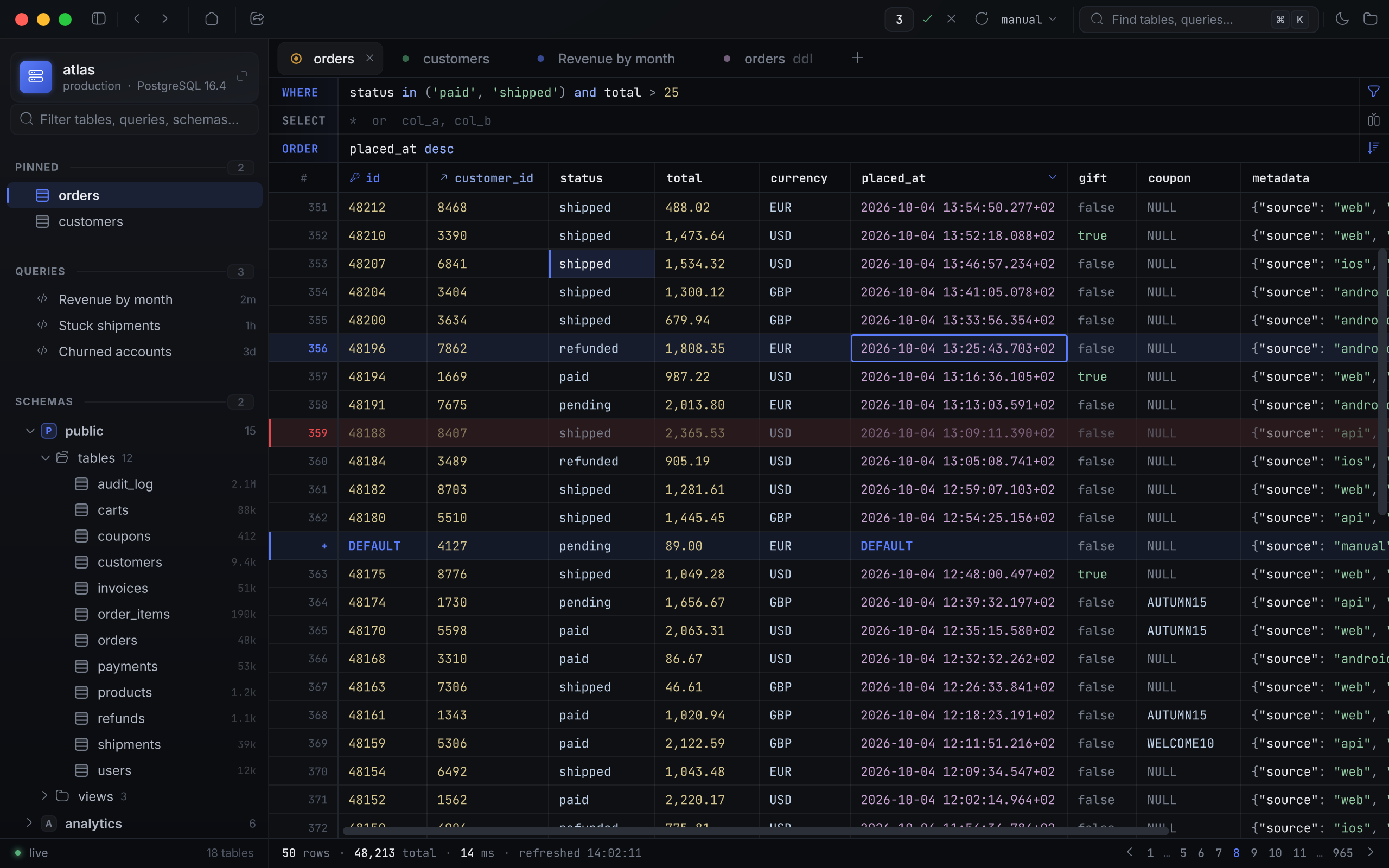
Edit like a spreadsheet. Commit like a DBA.
Double-click a cell and an editor built for its type opens on it. Changes stage in memory, painted where they will land, until you review them and send the batch as a single transaction.
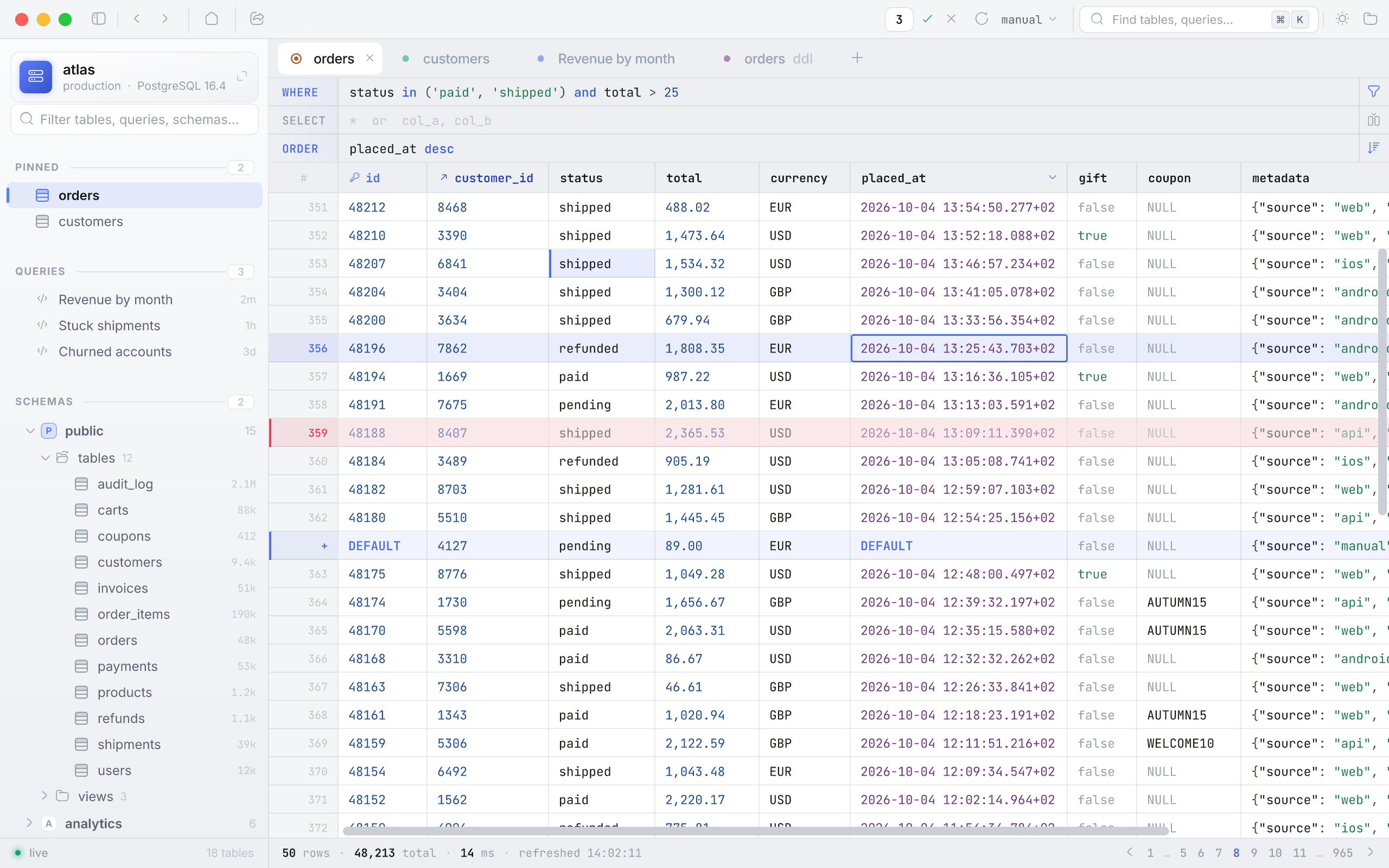
Filter, sort, page. Staged changes are painted where they will land.
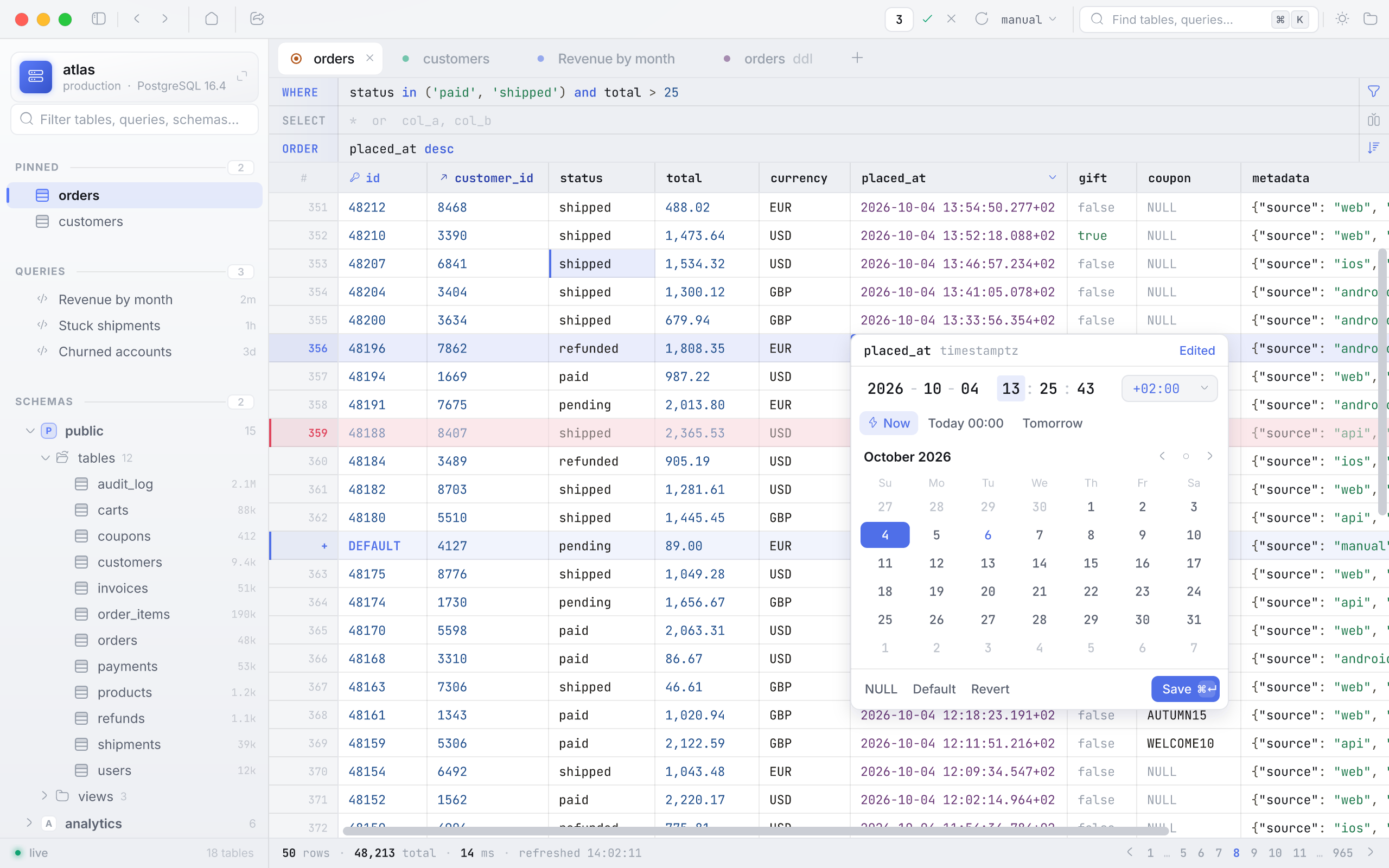
Double-click a cell for an editor that knows its type — here, a timestamptz.
Every statement, highlighted, before one transaction sends them all.
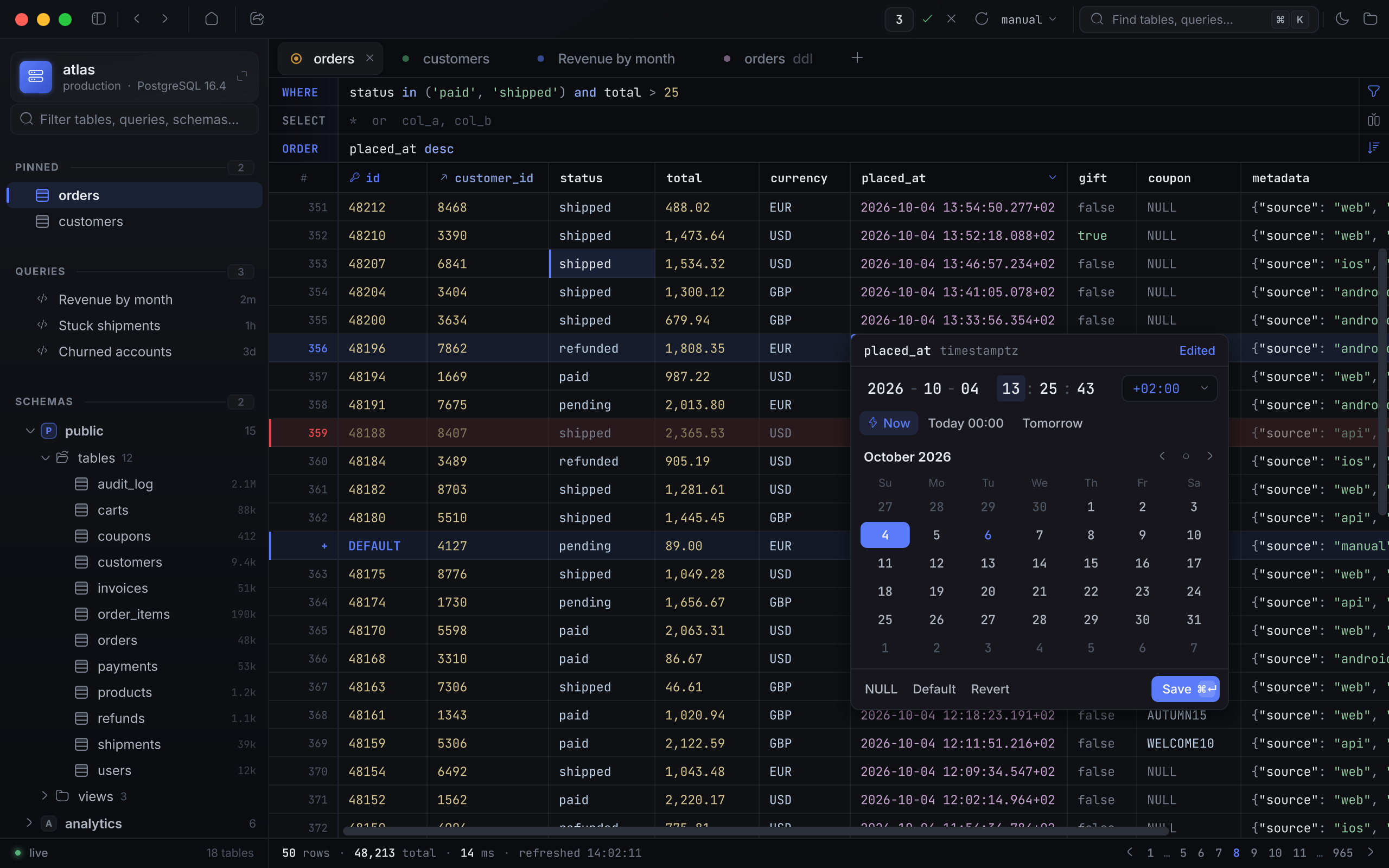
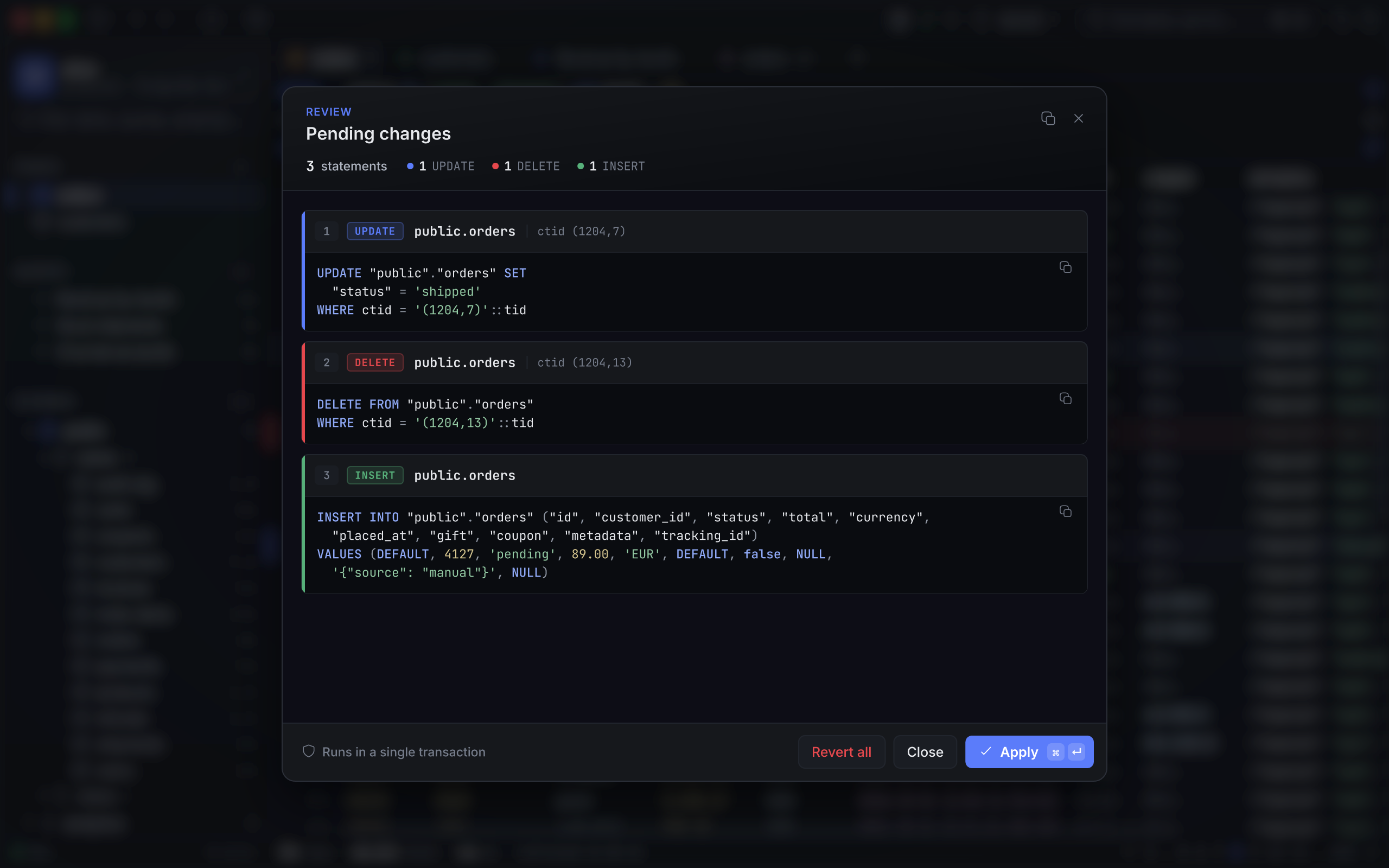
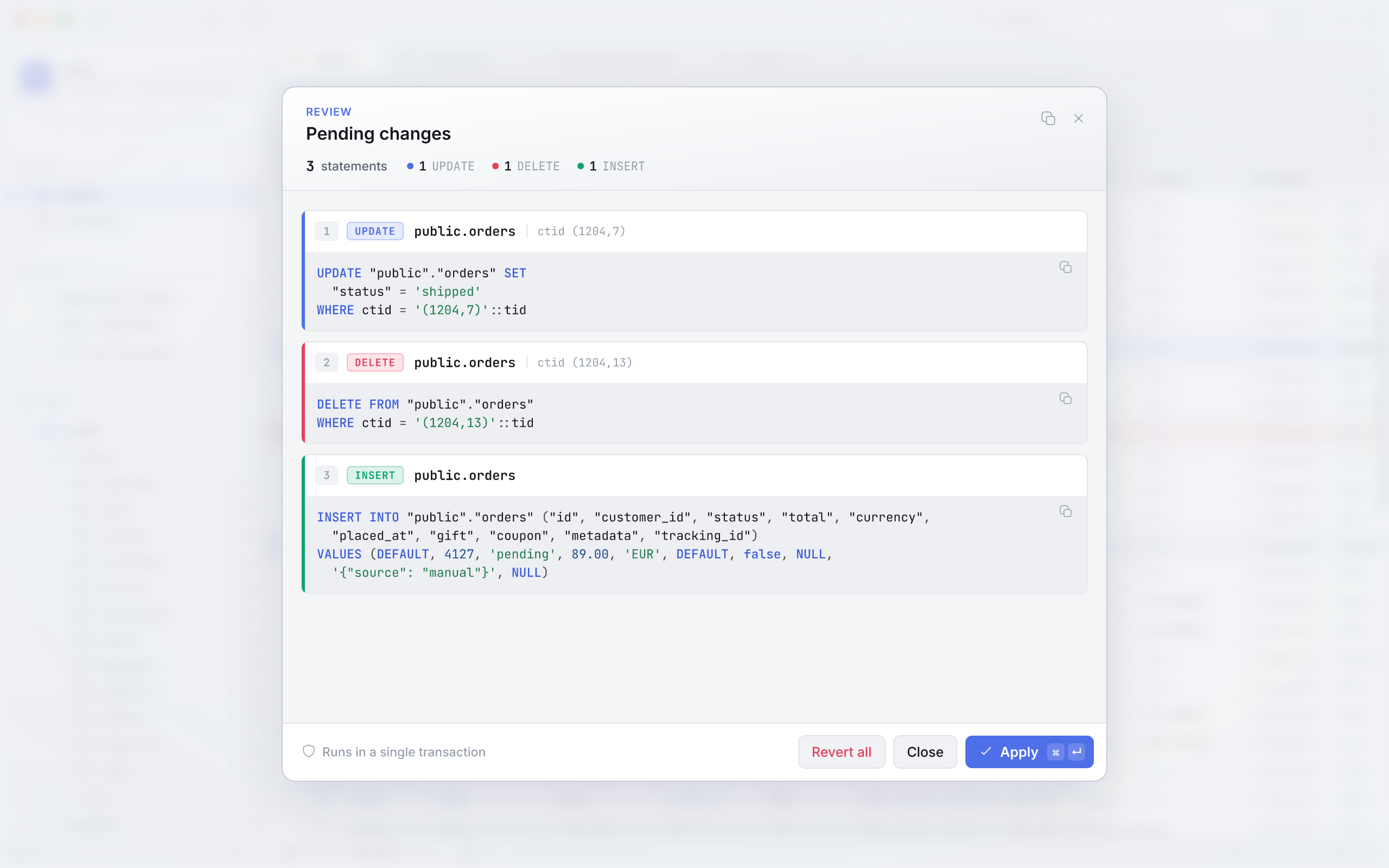
Type-aware editors
Calendars for dates, HH:MM:SS segments for time and timetz, a toggle for bool, live-highlighted JSON. NULL and DEFAULT are one click, and greyed out where the schema forbids them.
Exactly one row, or nothing
Rows are addressed by ctid on Postgres and rowid on SQLite. A statement that touches anything but one row rolls the whole batch back instead of guessing.
Follow the keys
Foreign-key columns carry a ↗. Click through to the referenced row, filtered, and step back with ⌘[ — history covers every tab switch, filter and sort.
Clauses, not dialogs
One line each for WHERE, SELECT and ORDER, with SQL highlighting. Click headers for multi-column sorts. Filter by any cell's value from its menu.
Cells are tinted by what they hold, so a column of timestamps reads differently from a column of totals before you read a single digit — and NULL never looks like the string 'NULL'.
- number 48,213
- text 'shipped'
- bool true
- uuid 9f2c…e41a
- time 2026-10-04
- json {"items": 3}
- foreign key ↗ customer_id
- null NULL
Scripts in. Statements out.
A real multi-line editor with schema-fed autocomplete and a ▶ beside every statement. ⌘ ↵ runs the one under the caret; ⌘ ⇧ ↵ runs them all, in order.
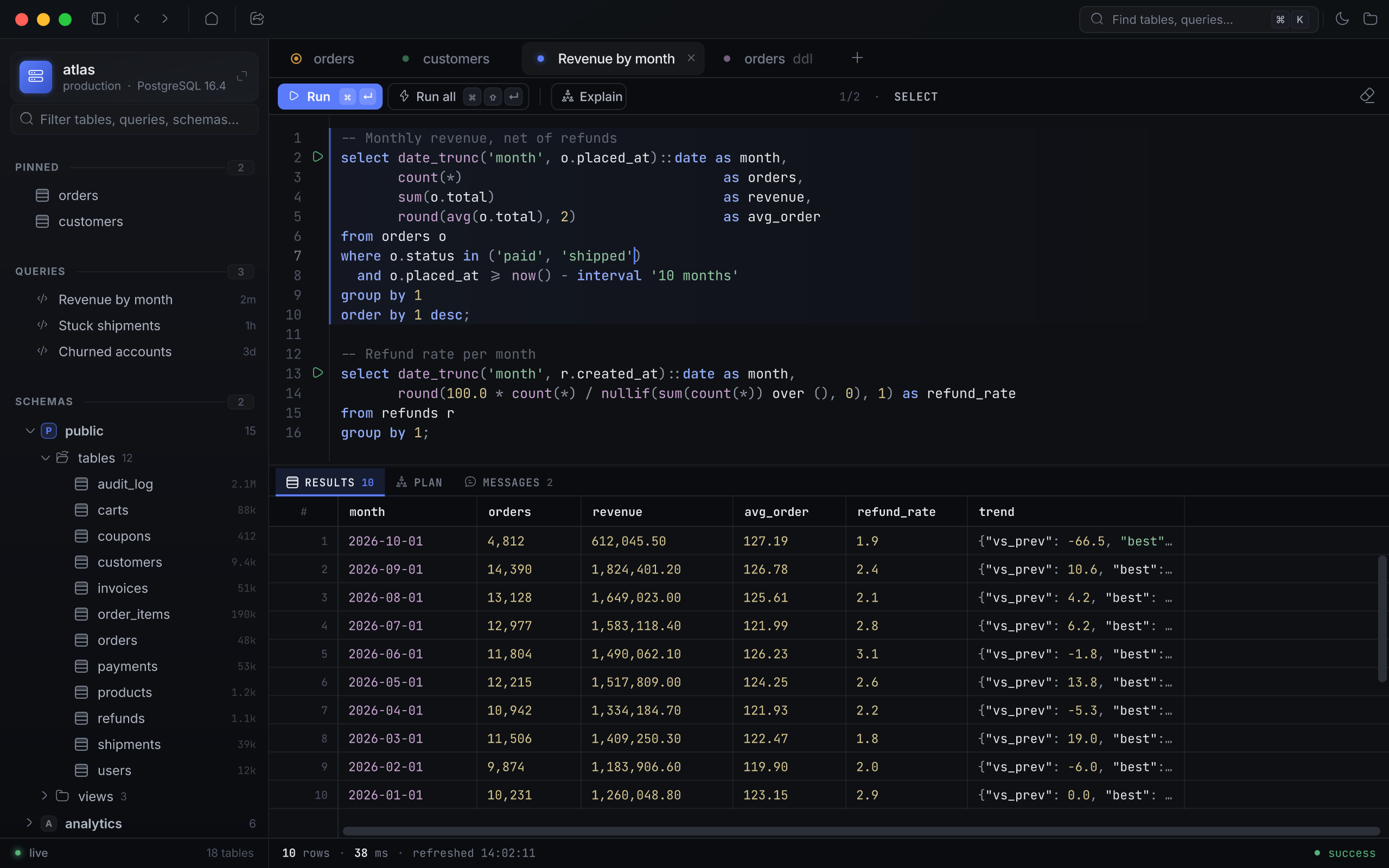
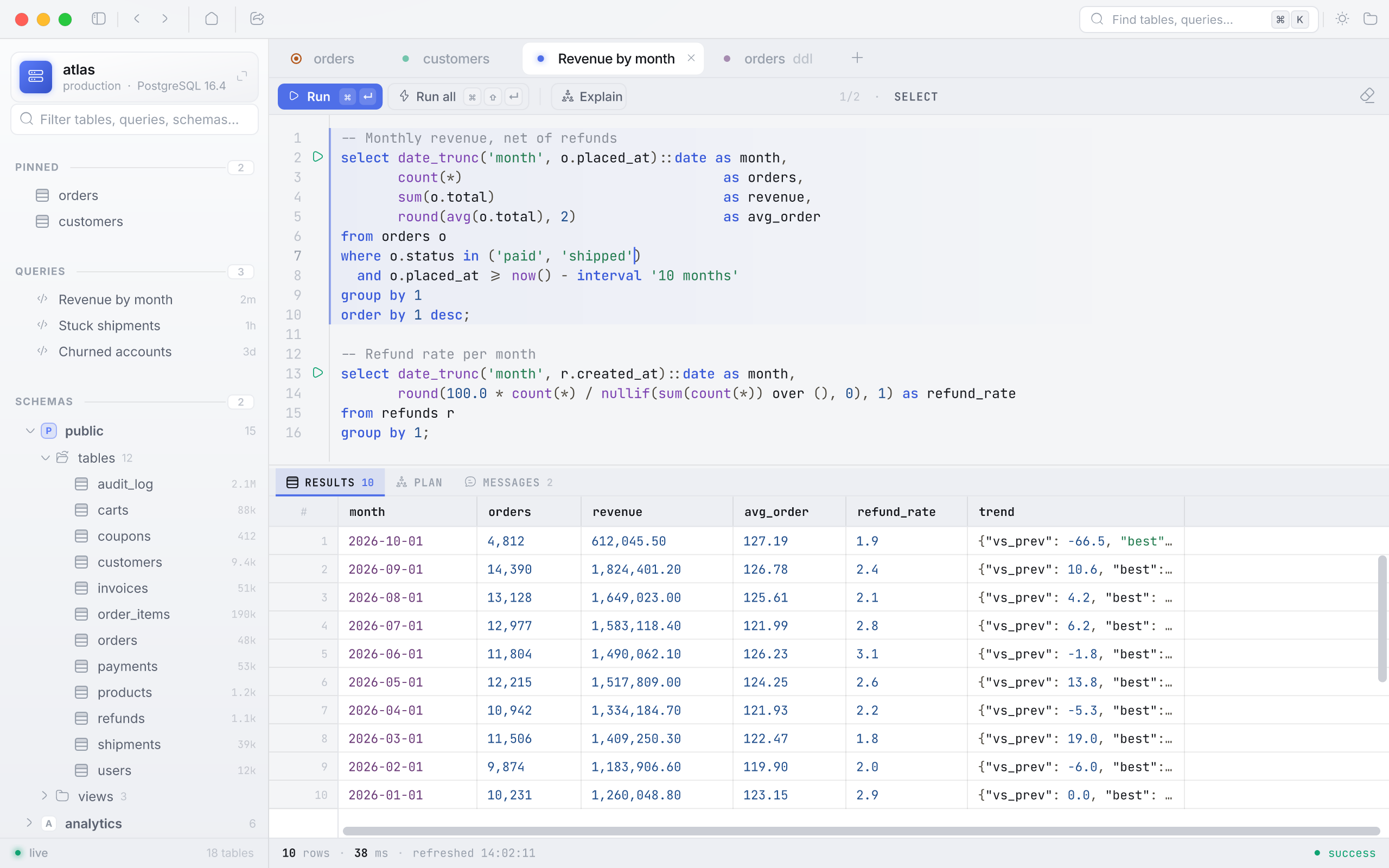
A splitter that reads Postgres the way Postgres does.
Statements are split client-side, then sent one by one — so the extended-query protocol's “cannot insert multiple commands” never reaches you. Single- and double-quoted strings, E'…' escapes, $$ … $$ and $tag$ … $tag$ bodies, line and block comments: a semicolon inside any of them is just a character.
- A bare SELECT without LIMIT is capped at 10,000 rows, and the grid says when it was.
- Every query autosaves to the connection and survives a restart in the sidebar.
- Results export to CSV or Markdown — a file, streamed with a cancel button, or the clipboard.
-- Both survive the splitter: dollar-quoted bodies and E'' strings
create function touch() returns trigger as $$
begin
  new.updated_at := now();  -- not a statement boundary
  return new;
end $$ language plpgsql;

select E'it\'s fine'; select 1;EXPLAIN, explained.
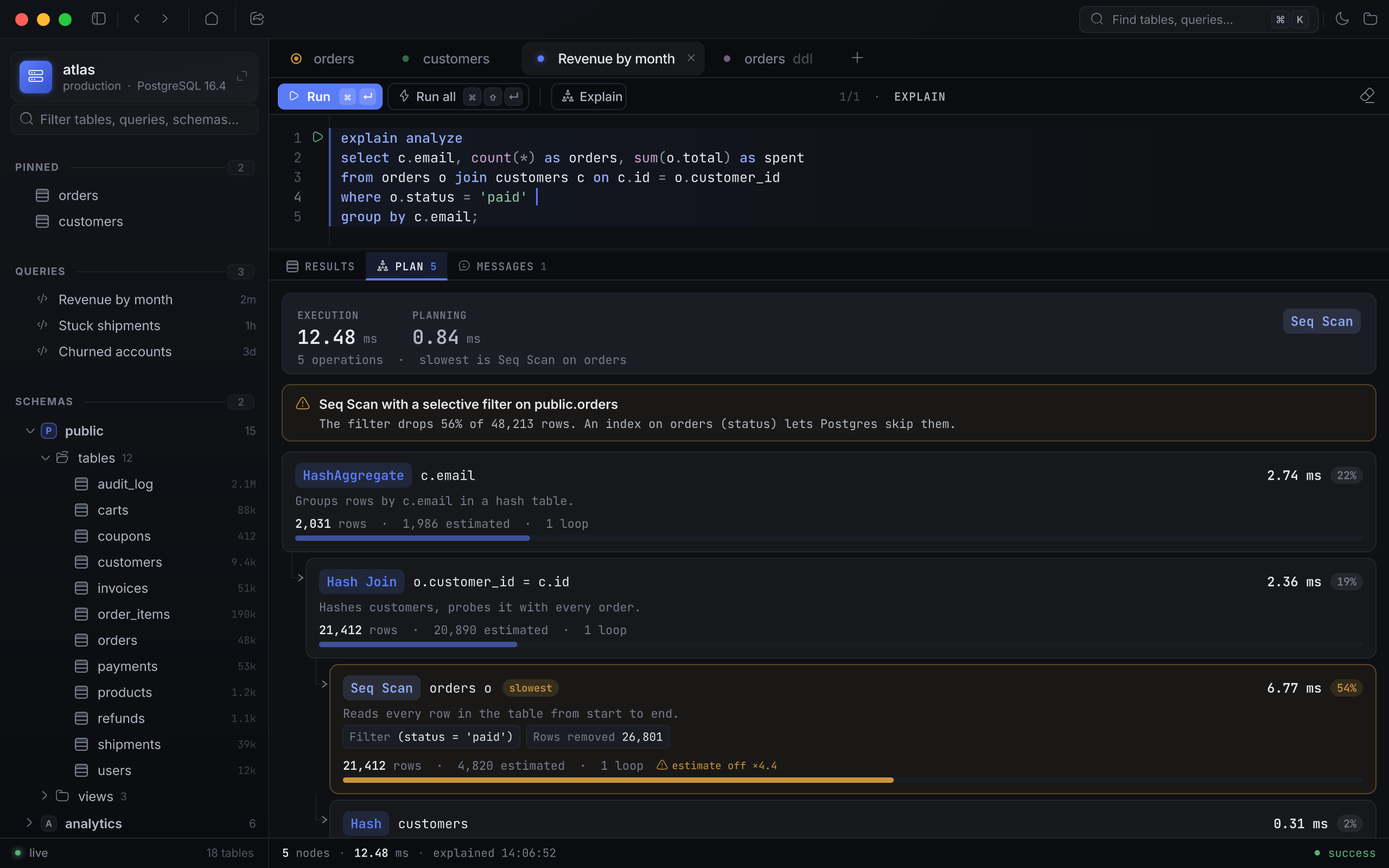
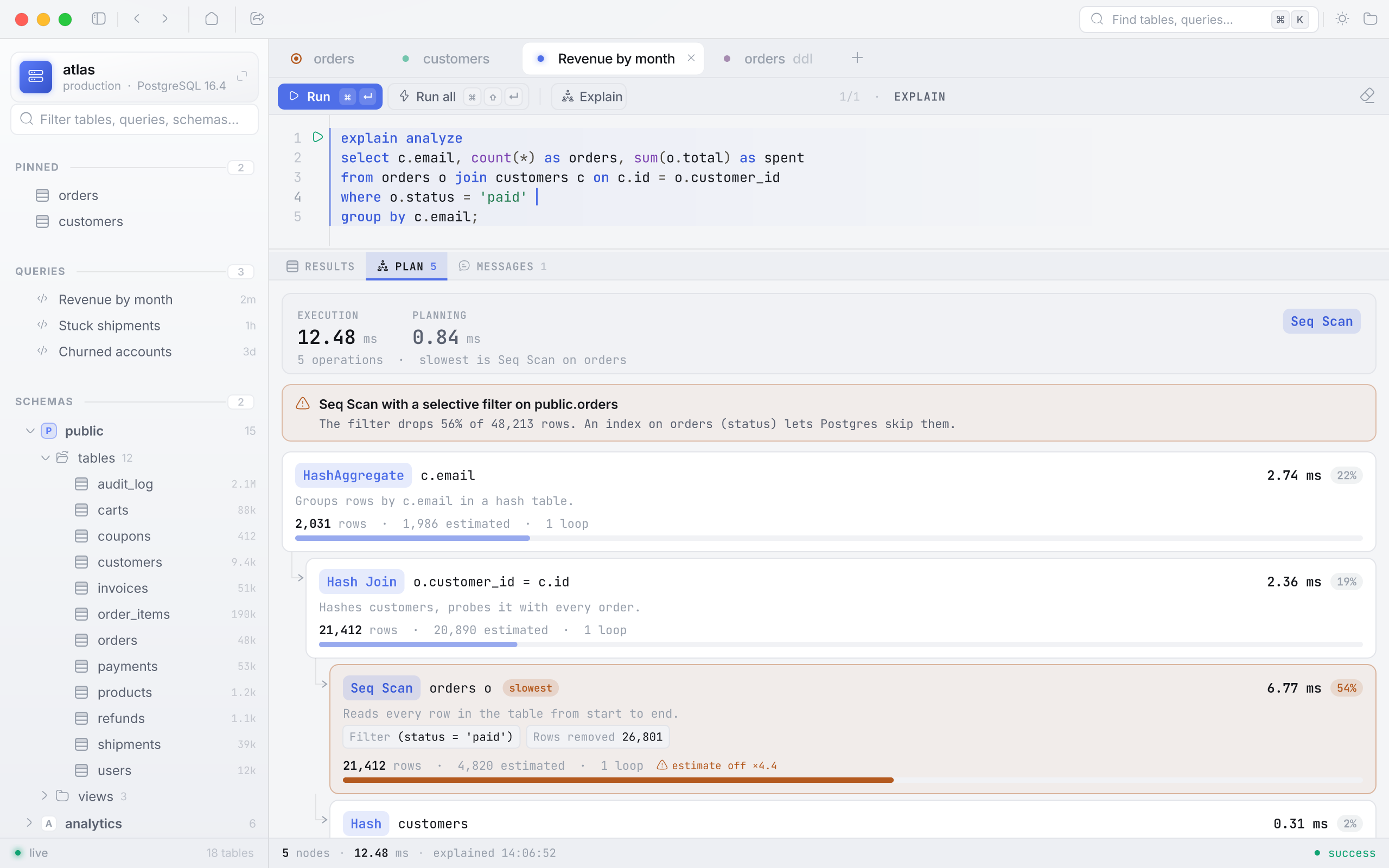
The plan as a tree of cards, each with its share of the time as a bar. Then a rule pass reads it the way you would at 2 a.m. and says what it sees.
-
Sequential scans
A full read of a big table behind a selective filter — the index you meant to have.
-
Sorts that spill
work_mem ran out mid-sort and the rest went to disk.
-
Estimate mismatches
The planner expected one row count and got another; stale statistics, usually.
-
Batched hashes
A hash table that didn't fit in memory and was built in passes.
Nothing you'd mind losing your laptop with.
Connections, saved queries and history live in one SQLCipher-encrypted file. Passwords can stay out of it entirely.
Everything persisted is one SQLite file under Application Support, keyed with SQLCipher 4 — a wrong passphrase fails on the first read, and any SQLCipher tool can open it with the right one.
The passphrase can be remembered in your login Keychain, so the app unlocks with the Mac.
Instead of a password, give a connection a shell command. It runs through your login shell on every connect, and its output is the password — 1Password, pass, Vault, whatever you already use.
op read "op://Private/atlas-prod/password"The WHERE, SELECT and ORDER fields take free SQL by design — and refuse a second statement before anything is concatenated.
1=1; drop table orders → refused
A quiet keepalive notices a dropped socket. You get a reconnect banner that keeps your tabs and your place, not a trip back to the welcome screen.
Auto-refresh pauses itself while edits are staged.
Your hands stay put.
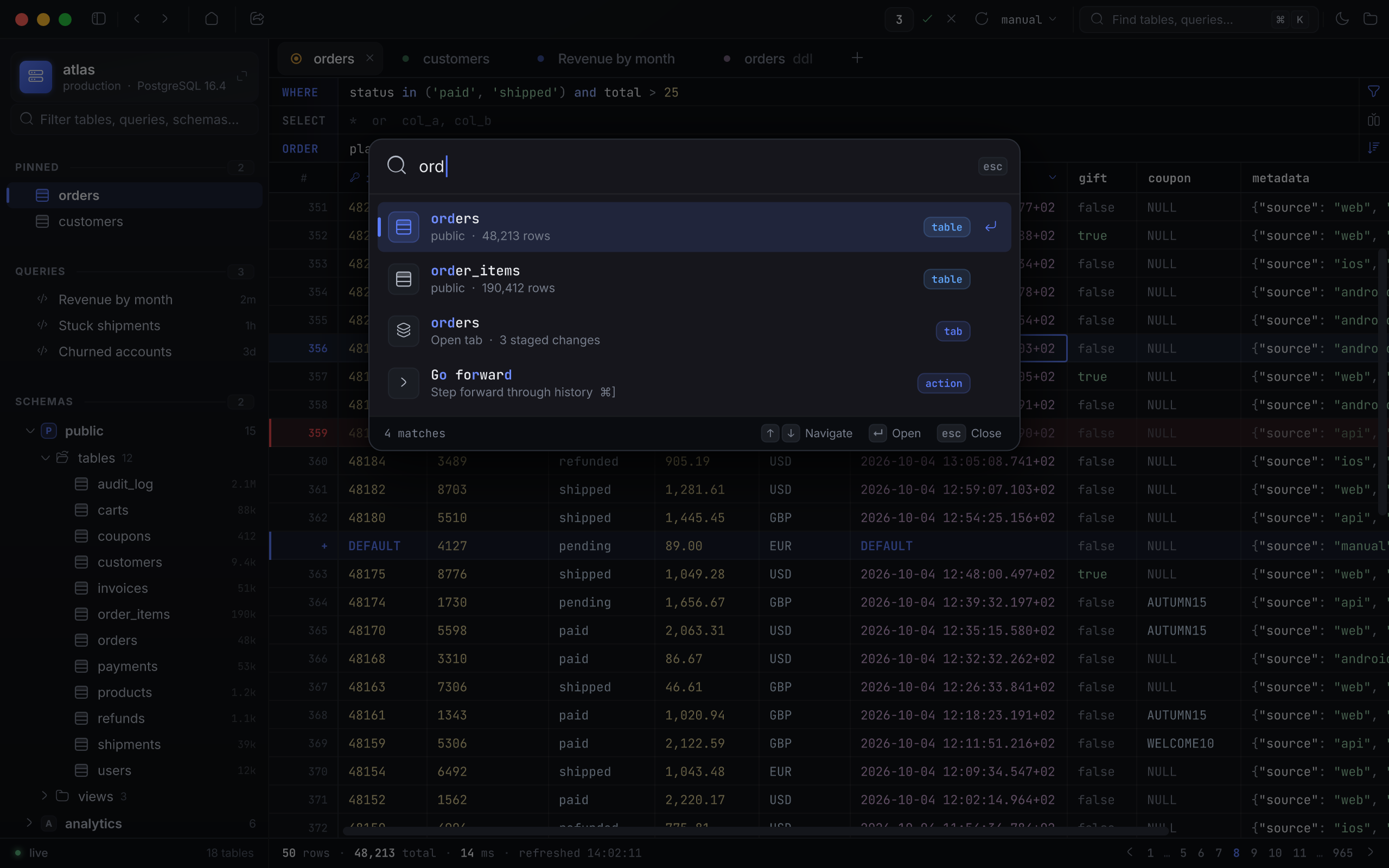
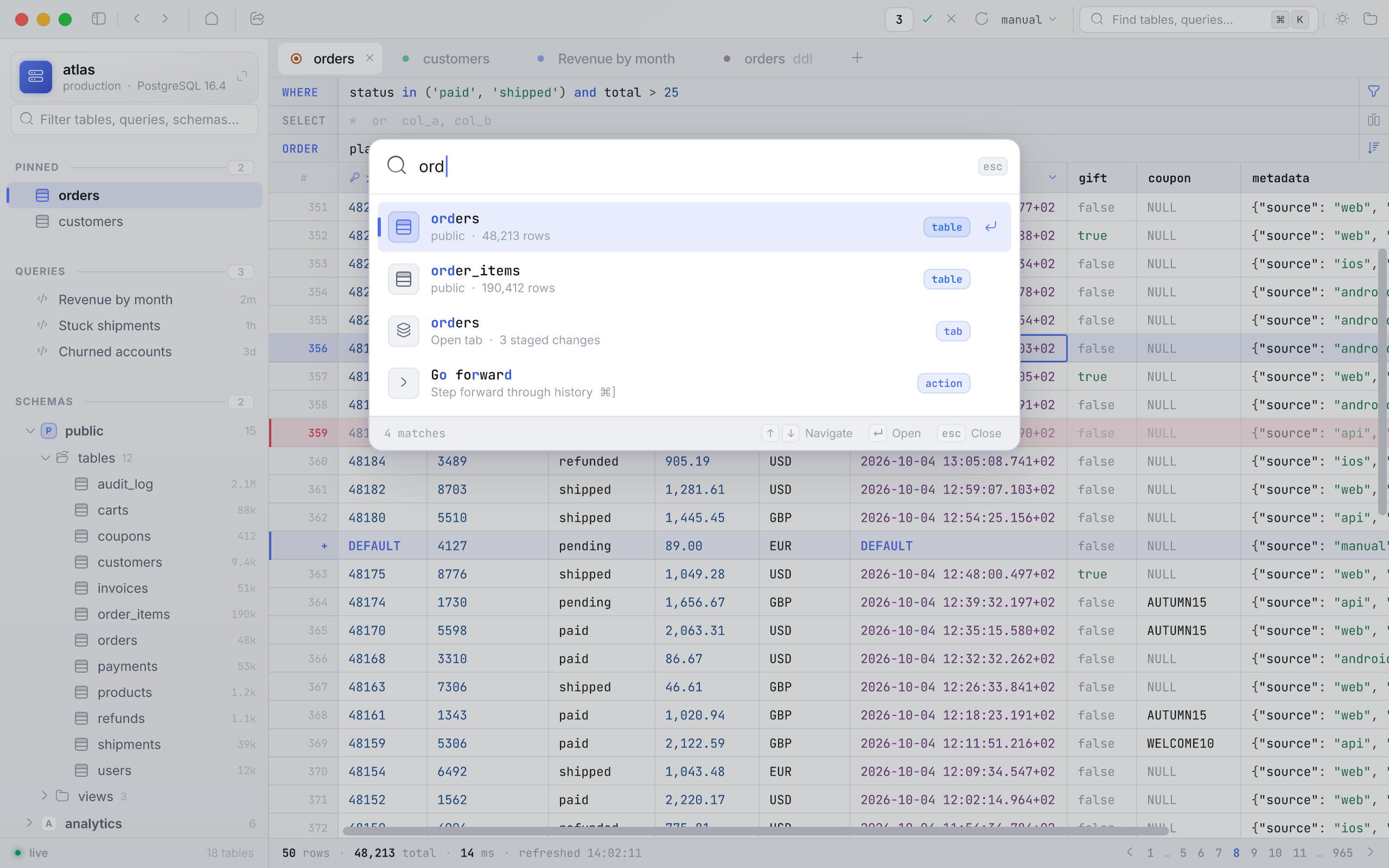
⌘ K fuzzy-finds tables, open tabs, saved queries, connections and commands from one box.
- Jump to any table, tab, query or command ⌘ K
- Run the statement under the caret ⌘ ↵
- Run the whole script ⌘ ⇧ ↵
- Back through tabs, filters and sorts ⌘ [
- Forward again ⌘ ]
- New query tab ⌘ N
- Refresh the table ⌘ R
- Activity log — every statement sent ⌘ L
- Close the tab ⌘ W
Download, drag, open.
Every release is a DMG on GitHub, built by CI from the tagged commit. Install it once; after that it updates itself through Sparkle, checking every update's signature first. It's free and MIT-licensed, and it needs macOS 12 or later.
- 01
Download the DMG
From the latest release on GitHub. One universal build for Apple silicon and Intel.
- 02
Drag it to Applications
Open the disk image and drop Aperture on the Applications shortcut beside it.
- 03
Open it
Every release is signed with a Developer ID and notarized by Apple, so it opens like any other app — no Gatekeeper detour.
Or build it from source
Needs Flutter (stable) and a full Xcode install — the Command Line Tools alone are not enough.
git clone https://github.com/JWo1F/aperture.git
cd aperture
flutter pub get
tool/make_dmg.sh # → dist/Aperture-<version>.dmg